

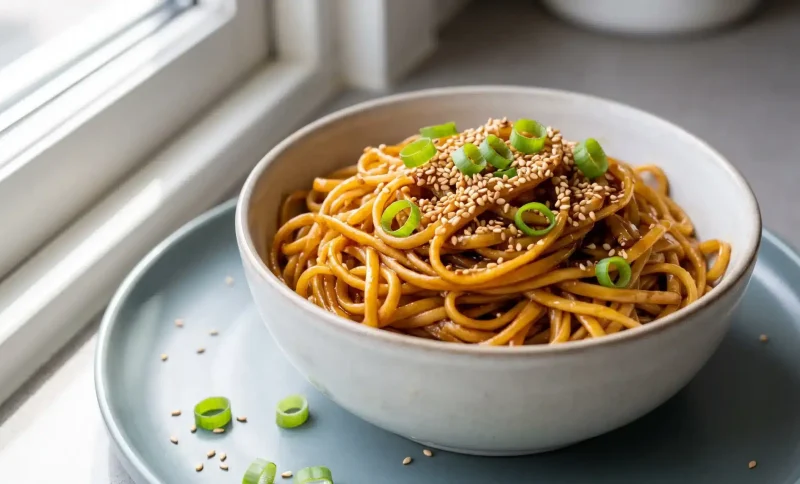
Someone else posts nearly the same dish, using the same recipe, and it looks incredible on Pinterest. You post yours, and it looks “just fine”. A little flat. A little yellow. Same kind of food, same kind of light, different result.
It is rarely the cooking, and it is rarely the camera either. Most of the time, it comes down to what happens between your kitchen and the feed: warm lighting throwing off white balance, steam softening contrast right as you shoot, or Pinterest’s own compression flattening whatever detail was left.
None of that means the dish failed. It usually just means the file needs some work before it goes back up, not a full reshoot.
Why the Photo Changes Between Your Phone and Pinterest
- Warm bulbs throw off white balance. Kitchen lighting runs warm. It is usually somewhere around 2700K to 3000K. Your eyes correct for that instantly, without you noticing. Your phone tries to correct for it too, but mixed light sources trip it up- a warm bulb plus daylight from a window. The sensor splits the difference. What’s left is a slight yellow-orange cast sitting in the file.
- Steam lowers contrast before you even shoot. Steam scatters light passing through it. That scattering softens contrast and lays a faint haze across the frame, not unlike fog softening a landscape. It’s baked into the exposure the second you press the shutter. Nothing added later, nothing you can undo in a caption edit.
- Compression hits fine detail hardest. Pinterest compresses images so they load faster. Compression algorithms discard whatever they judge least essential, usually herb texture, sesame seeds, the edge of a crumb. Flat colour areas, a plate, a tablecloth, survive that process fine. Fine texture doesn’t stand a chance.
The Checklist: What to Fix Before You Think of Reshoot
Before you decide anything, whether to reshoot or replate, it helps to run through a quick checklist first. It tells you exactly what’s off, so you’re not redoing work that never needed it. Let’s understand this with an example of a noodle plate to shoot for Pinterest.
#1 Keep the Dish, Check What’s Off
If the noodles looked right on the counter, the dish is not what needs fixing, so there’s no reason to replate or remake it yet. What you’re actually checking is the photo.
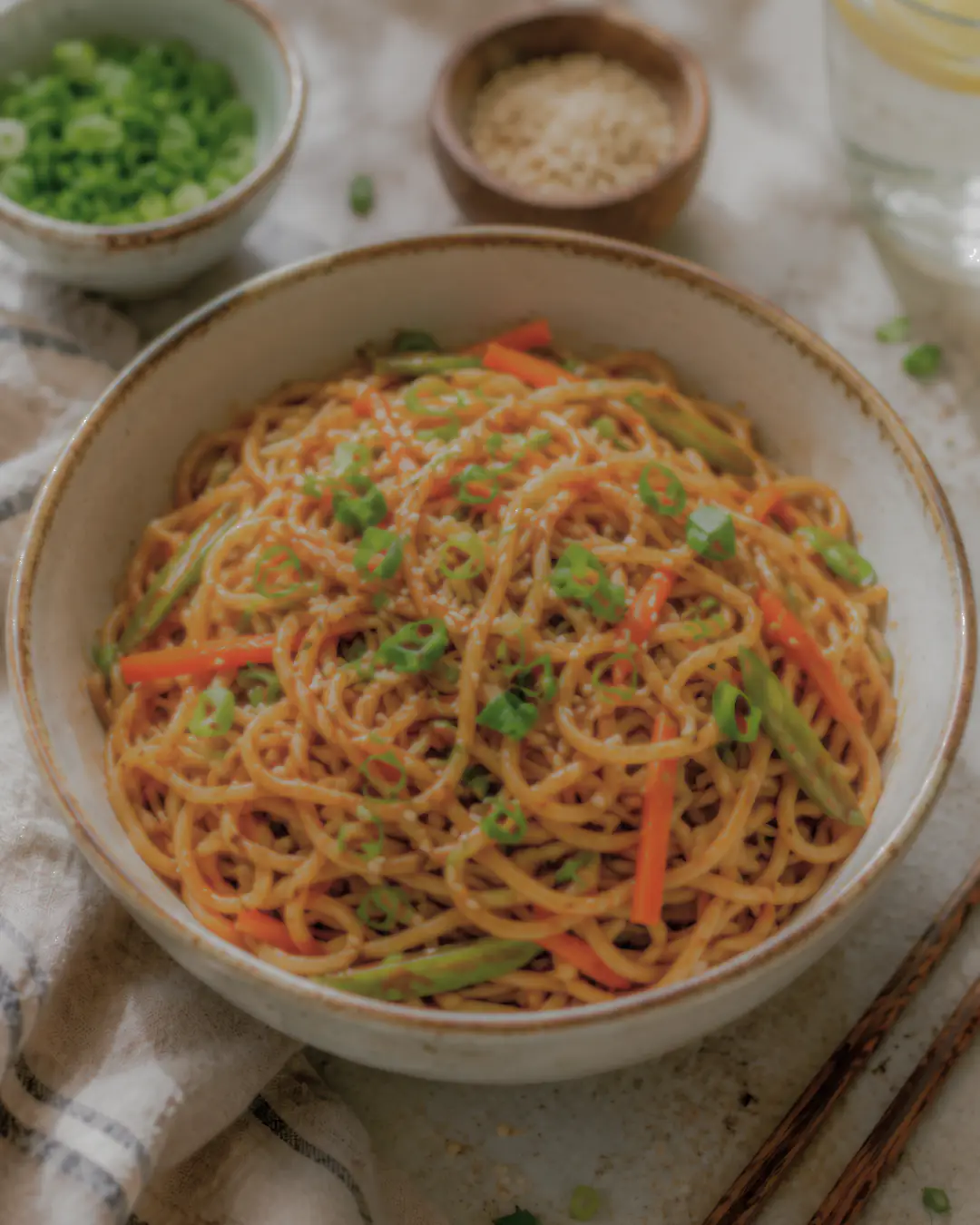
Look closely before touching any tool: a warm, slightly orange cast across the whole frame points to white balance, a foggy or flat look points to steam, and softness on the small stuff- sesame seeds, scallion rings, the fine char on the vegetables- points to compression.
The background bowls being out of focus is fine; that’s usually intentional. It’s the detail on the food itself that tells you what actually needs fixing.
#2 Check and Fix Exposure and Texture.
Once the issue is identified- say the noodles came out with a warm cast and the sesame seeds and scallions read a little soft, it’s time to actually fix it.
Manually sliding sharpness and clarity bars tends to patch one problem while creating another. Push sharpness too far, and the photo turns grainy instead of crisp.
Move up exposure, and you will realize that the colour cast beneath never disappears, but only becomes brighter.
Load the image onto Wink’s AI photo enhancer tool and choose the mode that corresponds to the type of correction that needs to be made: exposure, texture, or colour.
And the final output will generally compare more favourably to the original than when you manually edited it because it doesn’t have an artificial touch.
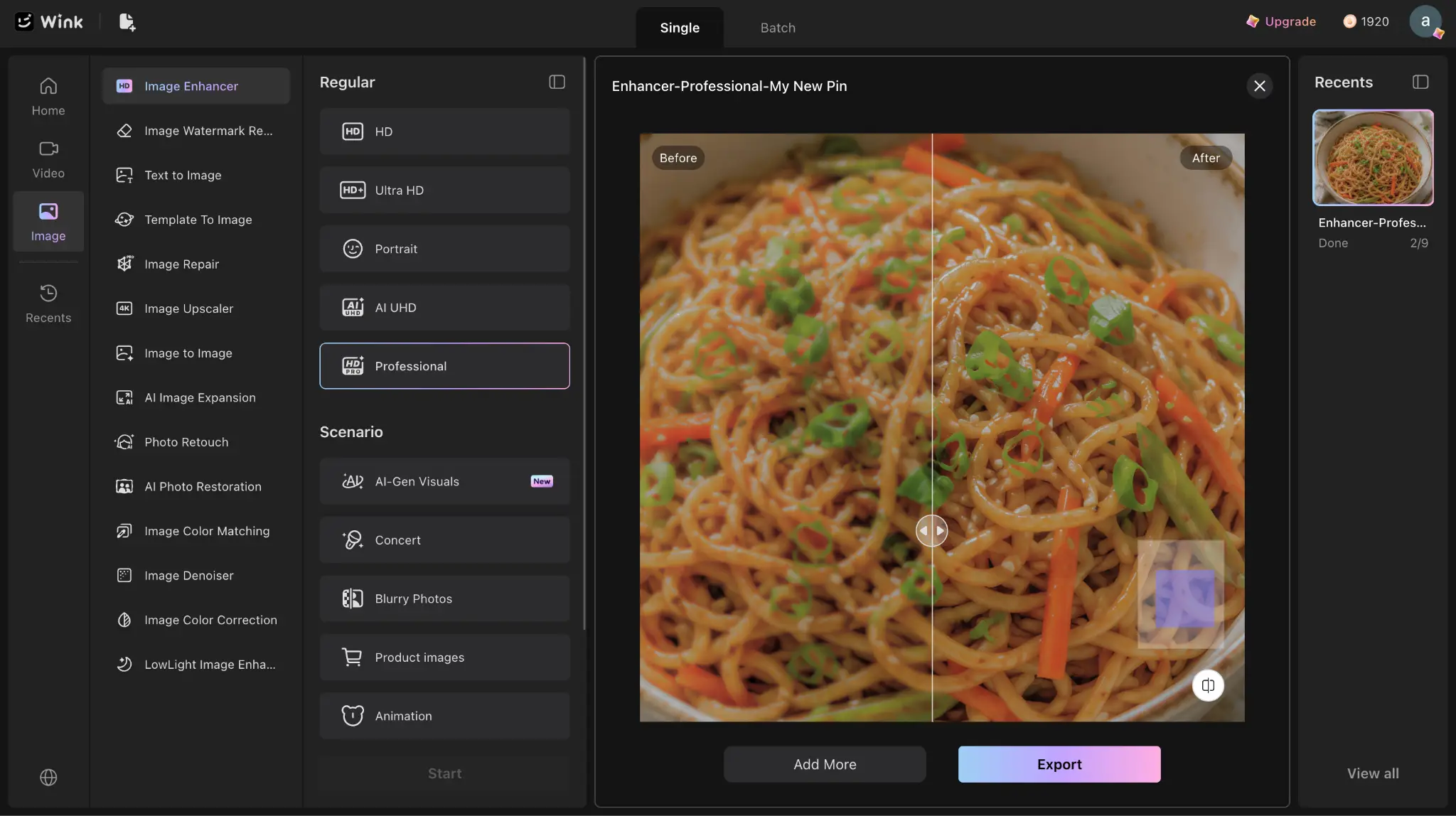
Here are some things that need to be checked:
- Noodles should look separate with just a slight amount of shine, not combined together to become more like plastic.
- Edges of carrots and green onions should retain a slight texture instead of becoming a solid mass of colour.
- Small garnish, sesame seeds, a bit of herb, shouldn’t blur into the dish around it.
- A light oil-glisten is fine, but if the whole plate has the same uniform glow, that’s over-processing talking.
#3 Check and Upscale the Image Size Against Pinterest’s Standards
Before deciding the photo is done, check its actual dimensions. Pinterest’s recommended pin size is 1000 x 1500 pixels. Anything smaller than roughly 600 x 900 gets rejected outright.
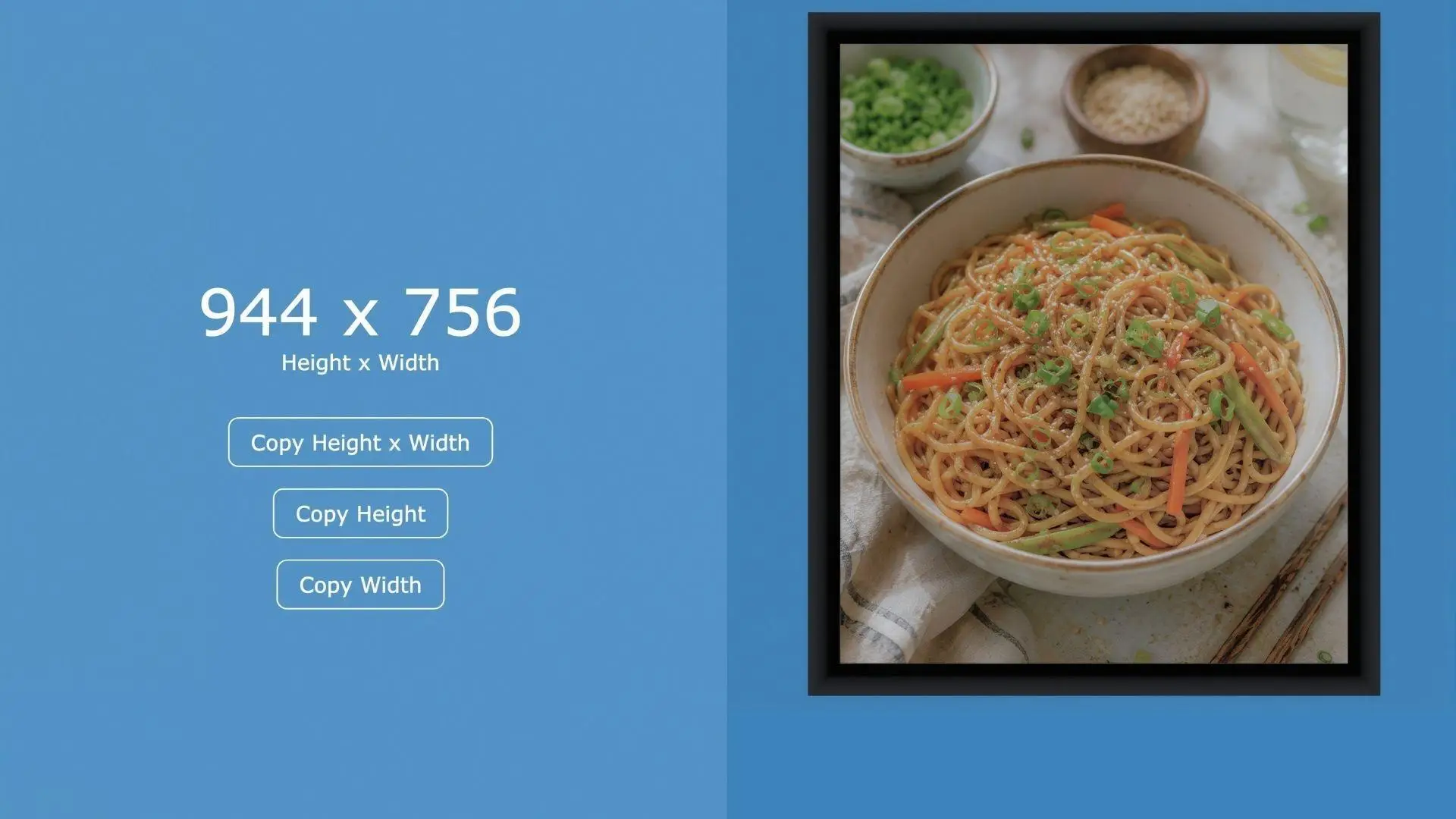
For example, the noodle bowl photo comes in at 944 x 756.
That’s under the recommended size. It’s landscape rather than portrait, the opposite of what Pinterest’s feed is built for.
If you upload it as-is, Pinterest either stretches it to fill a feed slot, which brings back the exact soft, blocky look you just fixed in the last step, or it displays small and squat next to the tall pins around it.
Here comes the part when upsampling is justified, both by improving the resolution and also having sufficient pixels in order to be able to crop the picture to make it taller.
Consequently, it is necessary to upscale image to 4K, and after that, crop it to achieve the 2:3 aspect ratio so it can be shown entirely in the stream.
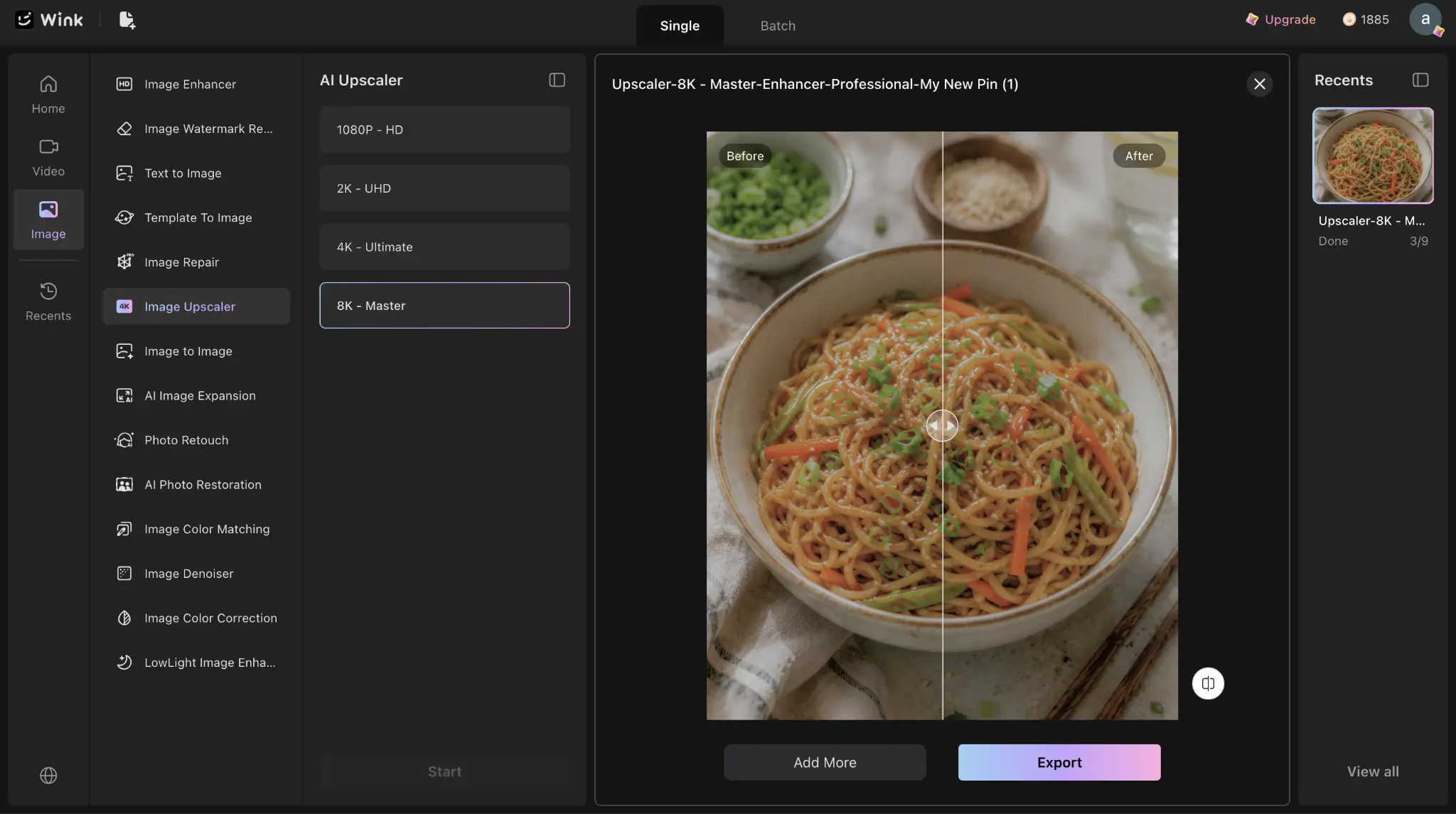
After all this, make sure to double-check the picture’s measurements before uploading, since the correct measurements of the image should be around 1000 x 1500, or multiples thereof.
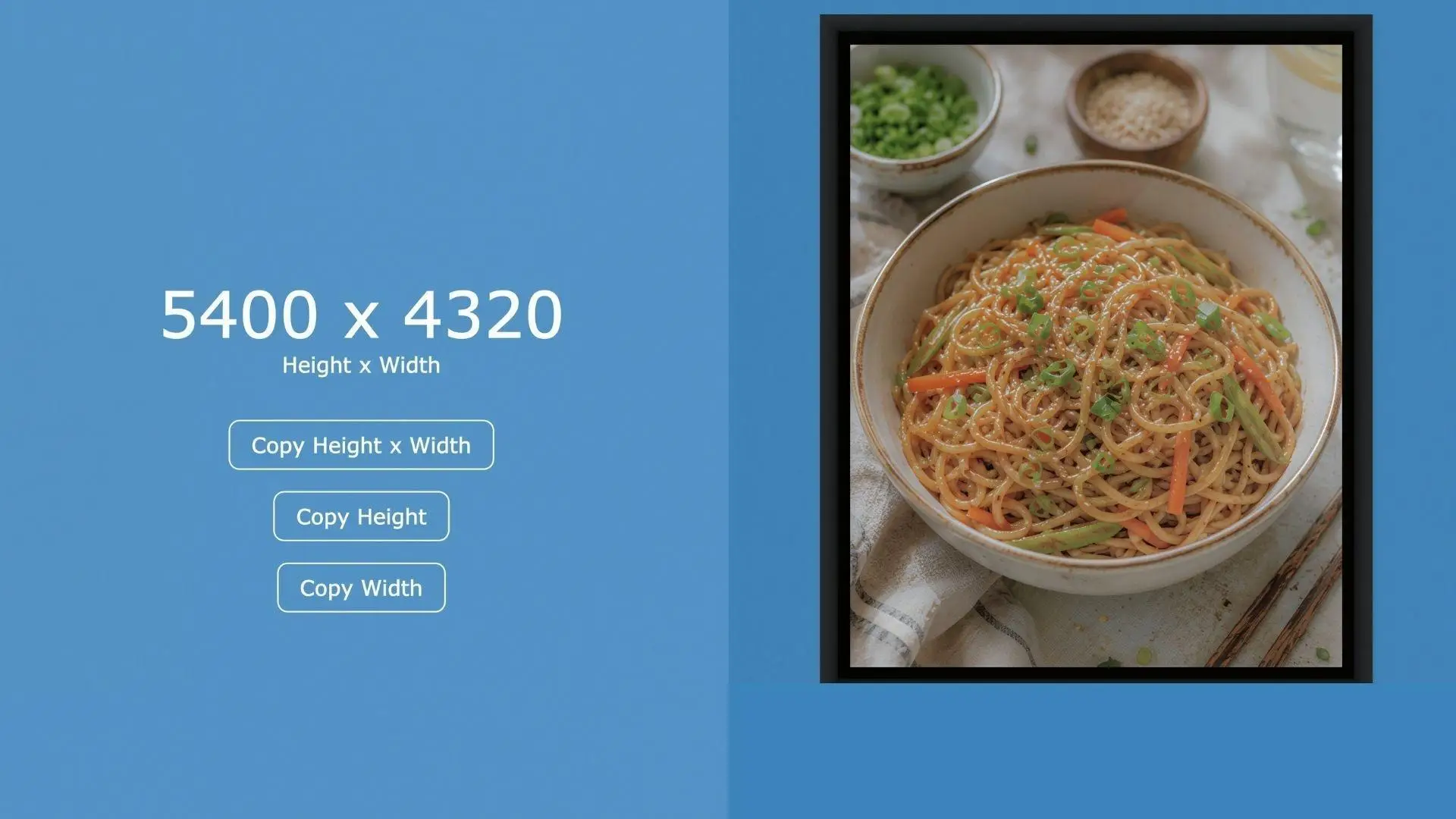
Otherwise, the 4K upscale would be sharper, yet it would retain its original cropping problems.
#4 Check the File Before You Export
Keep the saved image in high-quality JPEG or PNG format, and not any highly compressed export format, as this will undo the efforts you just made. It is important to ensure that the color profile is in sRGB and not any other wider format, as some software uses this by default.
A Few Habits That Cut Down the Fixing, and the Reshoots, Later
- Don’t just use the overhead lights; rather, shoot close to a window instead. That’s because it’s the warm 2700K to 3000K bulb that is causing the yellowish to orange color. Daylight is much more neutral compared to that, and so the white balance issue would not really be an issue at all in the file.
- Give 30 to 60 seconds before taking the “hero shot.” This dish is still hot and fresh, but the steam has dissipated so that there would not be too much scattering of light when you press the shutter button.
- Frame a little wider than feels necessary. Pinterest wants a 2:3 portrait crop. Extra space around the plate means you can crop into that ratio later without cutting into the food, instead of discovering after the fact that your framing only works as a square.
- Focus directly on the garnish. Sesame seeds, herbs, and fine char are exactly the details Pinterest’s compression discards first. If focus never landed on them sharply to begin with, no amount of enhancing gets it back.
Knowing When to Fix, Not Reshoot.
A reshoot only makes sense when the shot itself failed: a blown highlight, a plate that went in underlit. Those problems were baked in the moment the shutter closed. Hence, no correction undoes them afterward.
Everything else covered here- a warm cast from the bulb, haze from steam, a file sized wrong for Pinterest- lives in the file, not the shot.
A blurry photo and a yellow-cast one can look almost identical at a glance, both a little flat, both disappointing. But one needs a new plate. The other needs five minutes with the right tool, not a reshoot at all.


